Know Where Your Crews Are. Know What They're Doing.
GPS clock-in. Verified timesheets. Payroll-ready reports. ServiceVault Pro closes the loop between job assignment and paycheck — without a single phone call on Friday.
“Stop calling people on payroll day asking for their hours.”
Clock-in that proves they were actually there.
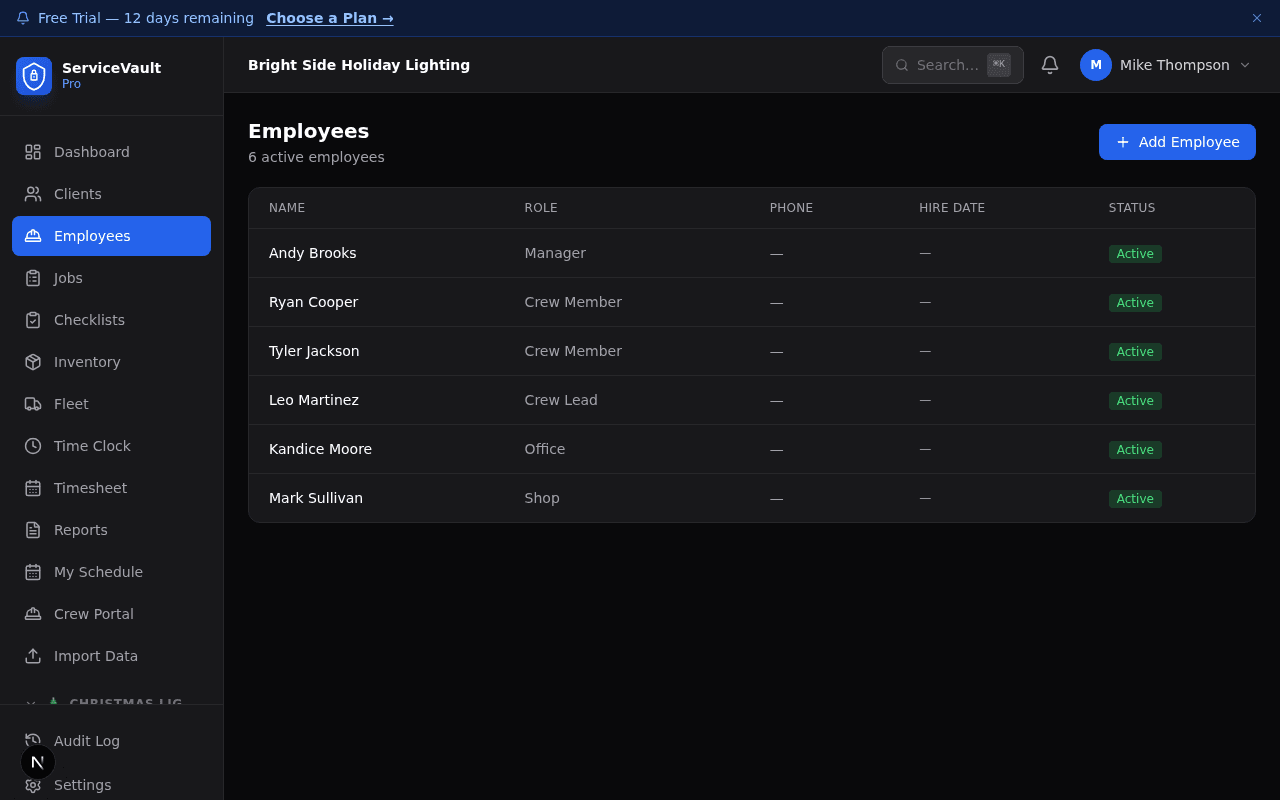
Crew members clock in from their phone. The Vault captures GPS coordinates at clock-in and clock-out and matches them against the job address. No more wondering if your crew was on-site when they said they were.
- GPS location captured at every clock event
- Location flagged if outside job-site radius
- Clock-in linked directly to the assigned job
- Office sees live status — clocked in, on break, clocked out
Active crew members
12
Across 4 active crews
Hours logged this week
284
7 overtime alerts flagged
Payroll accuracy
99.8%
vs. 91% with manual timesheets
Timesheet View
Break Tracking
Paid and unpaid breaks logged separately. Compliance-ready records in case you ever need to show your work.
Timesheet Generation
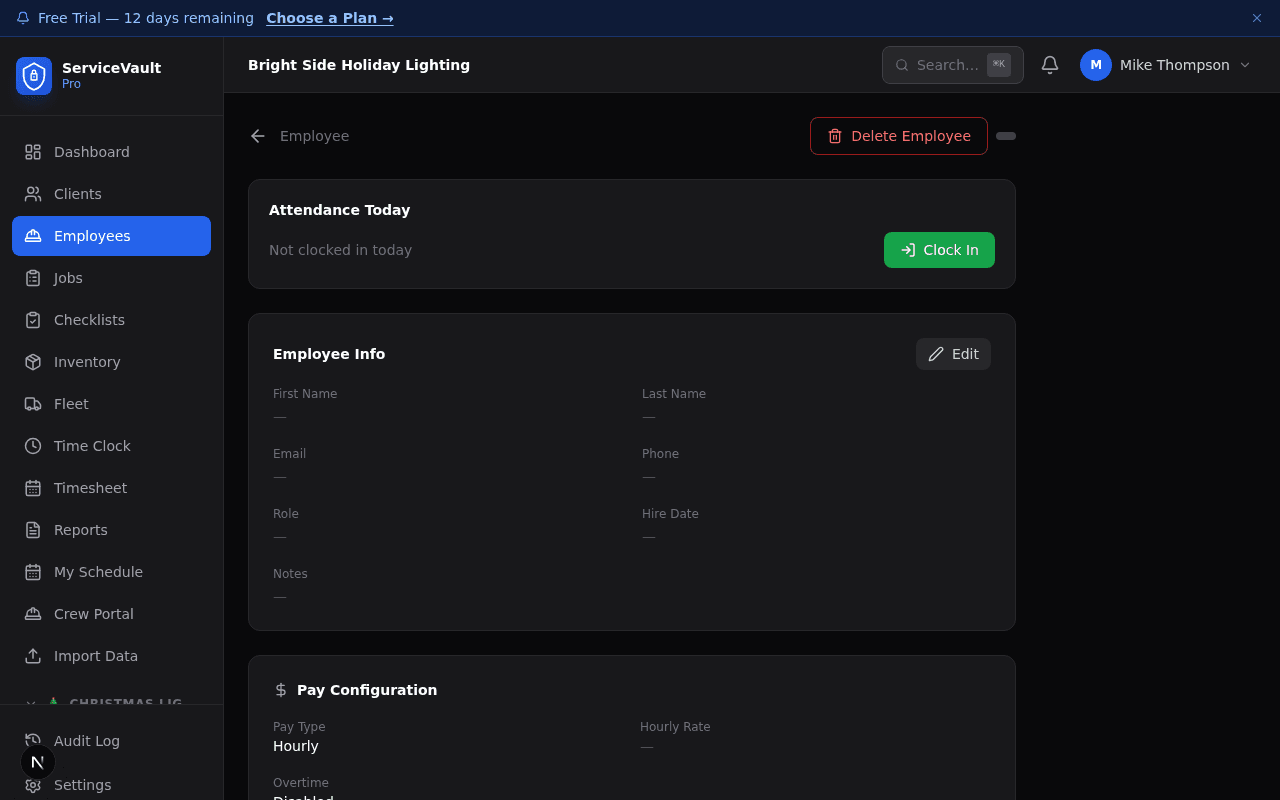
Timesheets are generated automatically from clock events — regular time, overtime, and breaks already calculated. Review and approve, then export.
Payroll-Ready Reports
Export to CSV for QuickBooks, ADP, or Gusto. Hours by employee, by job, by pay period — formatted so you don't have to reformat.
Payroll prep in minutes, not hours.
When every clock-in is tied to a job and every job is in the system, payroll becomes a review process — not a data-entry exercise. Open the pay period, review hours, export. Done.
Overtime alerts fire automatically when a crew member approaches their weekly threshold — before you're surprised on Friday afternoon.
Who's available. Who's on what job.
At a glance.
PTO requests are tracked in the system and block scheduling automatically — no more accidentally assigning a crew member who's on vacation. Crew assignment per job shows names, roles, and contact info in one tap.
- PTO requests tracked and approved in-app
- PTO blocks automatic scheduling conflicts
- Crew per job: names, roles, direct contact
- Role-based access — crew sees only their assigned jobs
The whole loop, closed.
- 1Job created, crew assigned
- 2Crew clocks in at site — GPS verified
- 3Break and overtime tracked automatically
- 4Job closes, hours finalized
- 5Payroll export ready — no chasing required